 Freedom USA Sales Q&A
Answer
Mar 21, 2023 - 01:09 PM
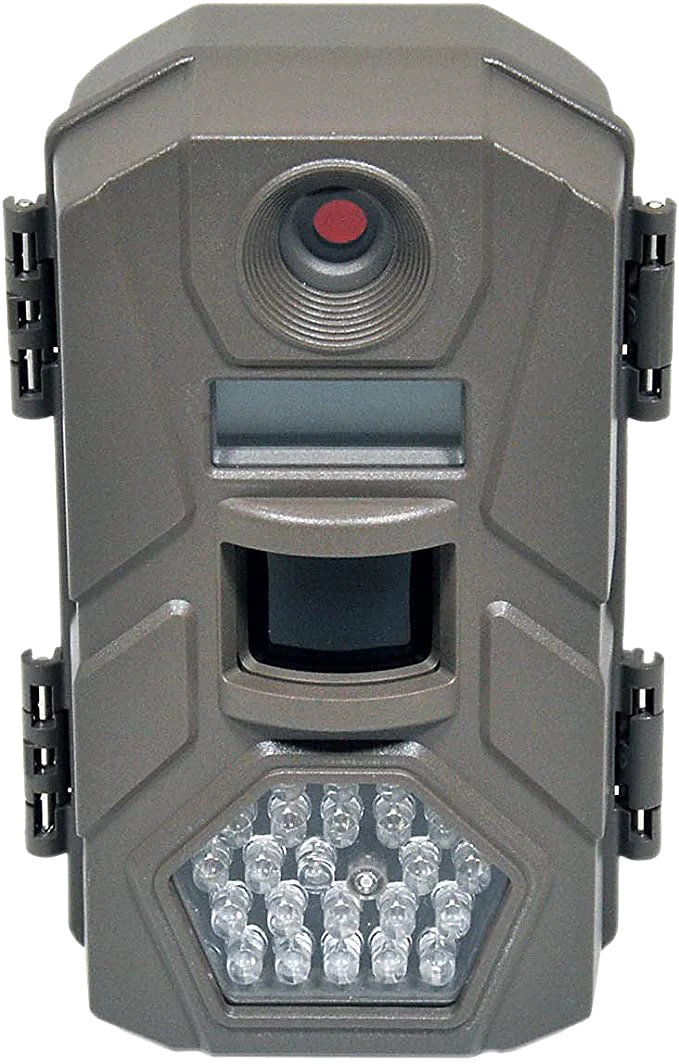
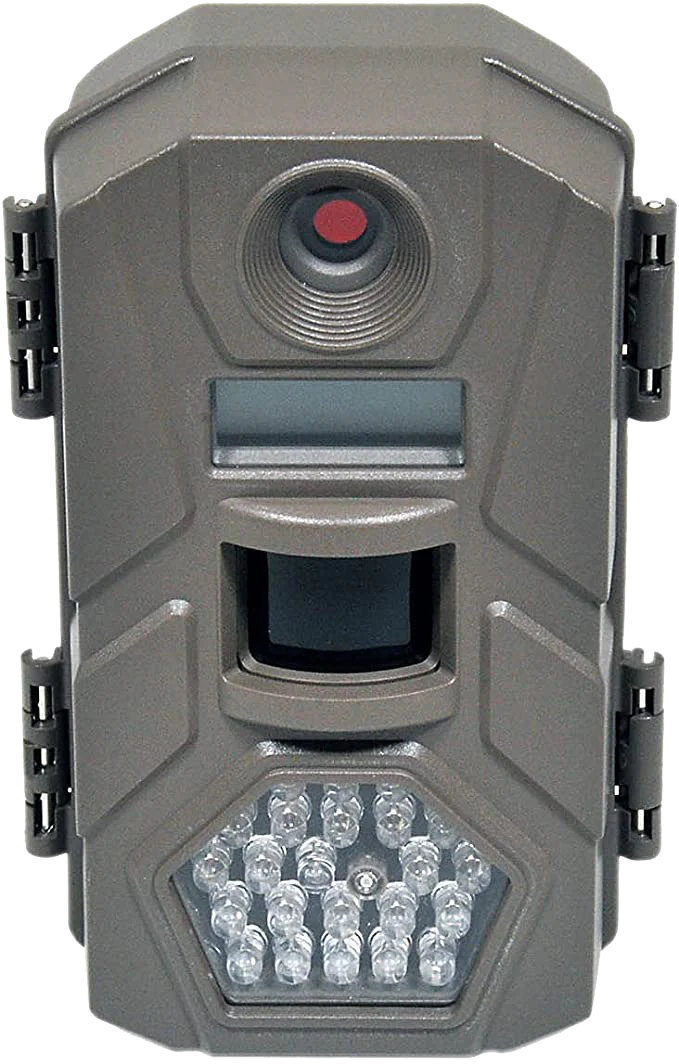
The "U 56" error on your Tasco Trail Camera typically indicates that the camera's internal memory is full and cannot store any more photos or videos. To resolve this issue, you can try one or more of the following:
-
Remove some or all of the files from the camera's internal memory. You can do this by connecting the camera to a computer using a USB cable and transferring the files to your computer, or by using the camera's delete function to remove individual files.
-
Insert a new SD card into the camera. This will allow the camera to store new photos and videos on the card instead of in the internal memory.
-
Format the SD card. This will erase all the data on the card, so make sure you have backed up any important files before formatting. To format the card, go to the camera's settings menu and look for an option to format the SD card.
If none of these solutions work, you may need to contact Tasco customer support for further assistance.